How to connect an appointment-only decal to your booking calendar


Instead of manually answering booking questions at your door, connect your appointment-only decal to a public booking page with a QR code so visitors can choose a time themselves. The decal points to the booking calendar; your scheduling system handles availability, reservations, and confirmations.
An appointment-only notice explains your policy, but it does not tell a visitor how to book. Adding a clear booking instruction closes that gap. Someone arriving between appointments gets a next step instead of a closed door and unanswered questions.
Nostalgifactory personalized vinyl decals are best for small businesses that need physical signage, not scheduling software. Keep those roles separate: Nostalgifactory supplies personalized vinyl decals and weatherproof stickers, while your chosen booking system manages appointments.
For your 2026 setup, make the public booking page the source of truth for appointment times. Do not print changing availability on the decal. Your sign should explain the policy and direct visitors to the place where they can act on it.
The connection is a web link, not an electronic integration inside the vinyl. Scanning the QR code opens a destination; it does not reserve a time until the visitor completes the booking process.
Prepare a small acceptance test before ordering: use 2 phones, complete 1 test booking, and inspect the sign from 3 viewing positions. These are practical checks for this workflow, not claimed performance standards. They help you catch a wrong link, an incomplete booking flow, or an awkward placement before committing to the artwork.
Do not send artwork containing a QR code until the destination works. A perfectly readable code still fails the task when it opens a private calendar.
The first configuration unit is the page your visitor will reach. Choose the destination before generating the QR code, because the destination determines what the printed code contains.
| Destination | Best for | Advantage | Limitation |
|---|---|---|---|
| Direct booking page | One service or a simple appointment flow | Takes visitors straight to appointment selection | A changed booking address requires replacing the code unless a redirect sits in between |
| Business landing page | Several services or instructions visitors need before booking | Explains what to choose before opening the calendar | Adds another action between scanning and booking |
| Editable redirect you control | Businesses expecting to change scheduling systems | Keeps the printed destination stable while its forwarding target changes | Adds a link-management responsibility and another point of failure |
Use the direct booking page for a straightforward setup; use a destination you control when preserving the printed link matters more. A redirect is useful only if you can maintain it. Do not create a dependency that nobody in your business knows how to update.
Expected result: A visitor without your administrator access can reach the intended booking flow and understand what appointment they are requesting.
For a 2026 review, also check the time zone shown to customers. A local business needs visitors to understand when to arrive at its location, even when a booking system displays times according to the visitor's device settings.
The second configuration unit is the physical instruction. The QR code supplies the route; the words around it explain why someone should scan.
Expected result: The artwork tells visitors both your appointment policy and how to take the next step, without relying on the QR code alone.
Keep the message brief. A door notice should not explain every scheduling rule; the booking page can carry preparation instructions, cancellation terms, and service details that you maintain there.
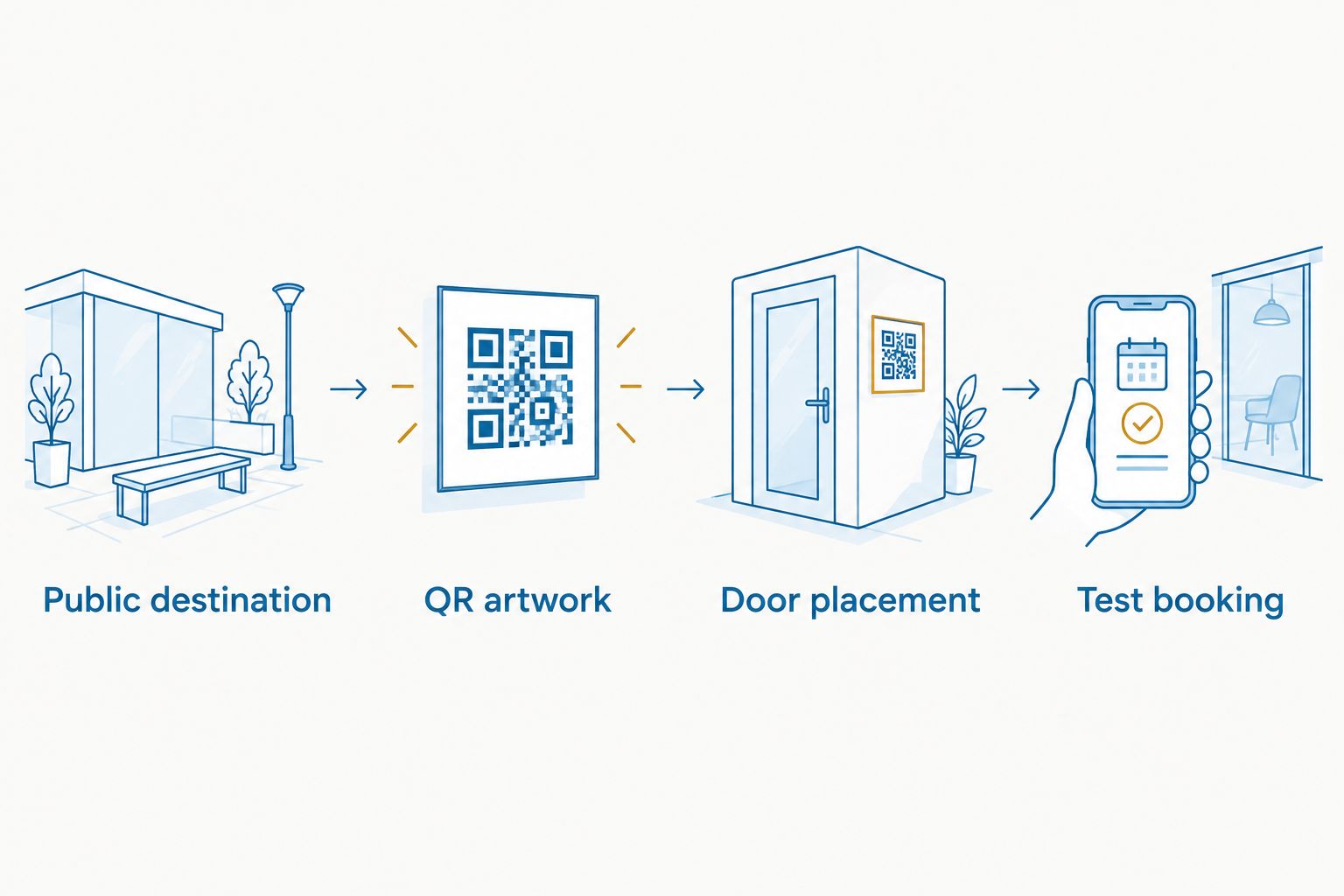
QR-code reproduction is a functional requirement, not just a design choice. Fine details, missing elements, poor contrast, and surrounding clutter can prevent scanning. Do not assume lettering vinyl and a printed QR sticker use the same production process.
Ask the maker to confirm that the finished code retains its full pattern and quiet zone. Nostalgifactory sells personalized vinyl decals and weatherproof stickers, but this workflow does not establish a particular QR production method or compatibility guarantee.
For artwork approved in 2026, retain the original QR file alongside the exact destination address. That gives you a reference when checking a production proof or diagnosing a later scanning problem.
The third configuration unit is the installed sign. Test the physical code where customers will encounter it, not just on a bright screen at your desk.
Expected result: The installed code opens the correct appointment page, and a completed booking appears where your business expects to manage it.
A test is incomplete if it stops when the booking page loads. Continue through appointment selection and confirmation. That is where you discover whether a visitor can actually finish the task.
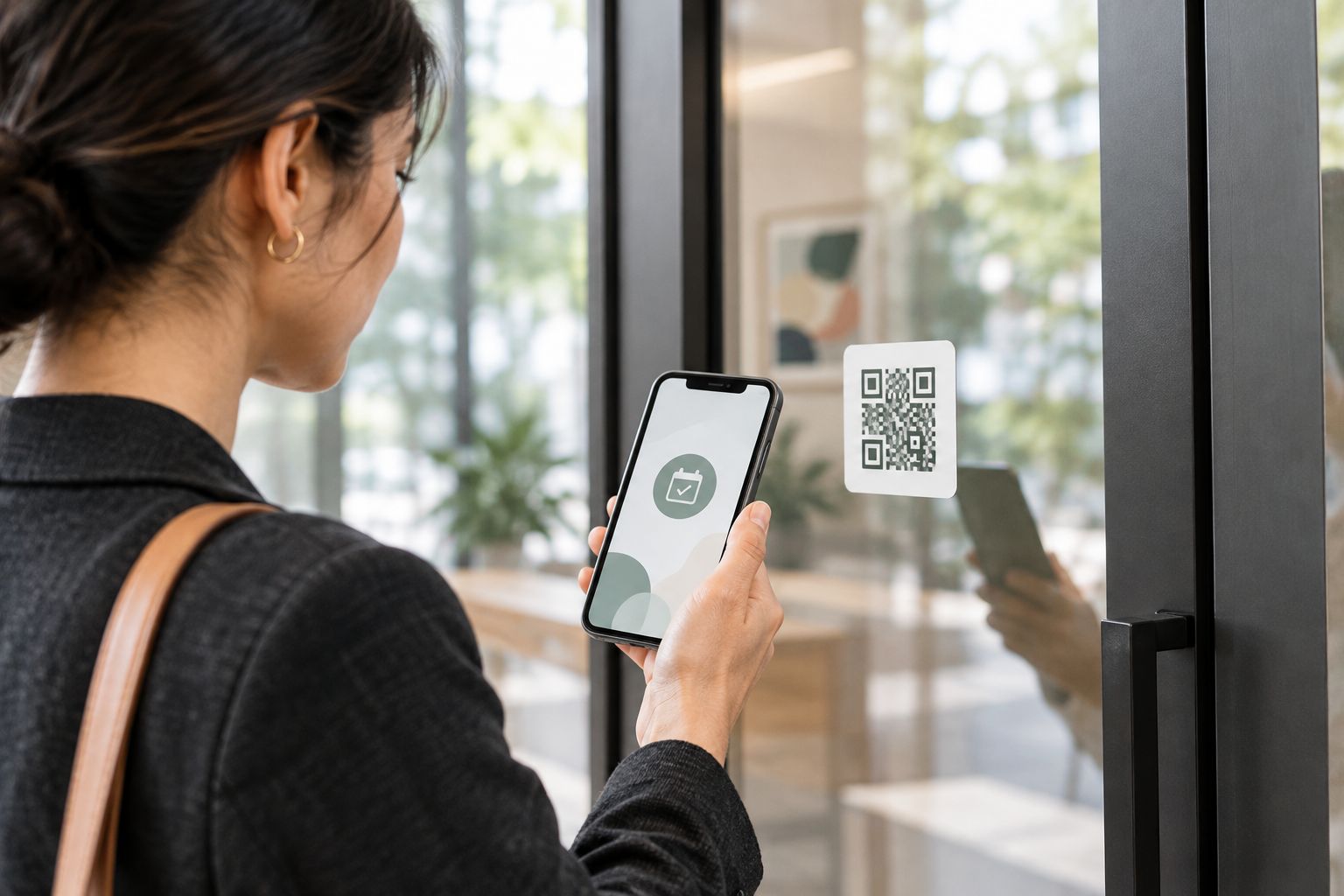
A second workflow makes sense when your appointment options change but your entrance notice stays the same. Point the QR code to a stable page or redirect you control, then update the destination behind that address.
For example, your booking page can show revised availability without changing its address. That needs no new QR artwork. Moving to a different booking address is a separate change: a direct code still contains the old destination.
Expected result: The existing decal reaches the current booking flow without sending visitors through an obsolete calendar.
During a 2026 calendar change, include the printed sign in your migration checklist. Updating your website alone does not update a QR code that points directly to an old booking address.
Replace the destination with the customer-facing booking address. A private calendar link does not become public when encoded as a QR code. Verify the corrected address while signed out before regenerating artwork.
Check the finished pattern, quiet zone, contrast, and reflections. Compare the installed sign with the approved artwork to find missing or distorted elements. Move or revise the sign if the door's viewing conditions prevent a reliable scan.
Inspect the appointment's availability rules and connected calendars. Check for blocking events, scheduling limits, or a disabled appointment type. The QR code cannot correct a booking page that has no eligible times to offer.
Compare the business time zone, the booking page's displayed time zone, and the confirmation details. Make the appointment location and local time clear in the booking flow. Retest before treating the sign as ready.
Inspect the address encoded in the QR code, then any redirect and its forwarding target. Update the destination you control; replace the artwork if a direct code contains an address you cannot restore. Keep a record of who owns each link.
Once the basic booking route works, adapt the destination rather than crowding the decal. A business with different appointment types can use a landing page that names each service and sends visitors to the relevant calendar.
Keep one clear action on the door. Asking visitors to book, review, follow, and message from the same notice weakens the instruction. Put optional actions after the booking task, where they do not compete with it.
For the sign itself, the QR-code decals for small businesses guide is the next step for considering the physical format. Confirm production suitability before submitting booking artwork.
Assign someone to maintain the destination. Add a scan check whenever you change appointment types, scheduling systems, or entrance signage. Treat the QR code as a customer-facing link, not decoration that stays correct forever.
How do I connect an appointment-only decal to my booking calendar?
Encode your public booking address in a QR code and place it beside an appointment-only message. Test the address while signed out, then complete a booking through the installed code.
Does an appointment-only decal sync with my calendar?
The decal itself does not sync with your calendar. It opens a web destination, and your scheduling system handles calendar availability and appointment records.
Can I use my regular calendar link for the QR code?
Use a public booking link, not an administrator or private calendar link. A calendar-viewing page is insufficient if visitors cannot select and confirm an appointment.
Do I need to replace the decal when my appointment times change?
You do not need to replace the decal if its destination stays valid and your booking system displays the updated availability. Replace or revise it when the encoded address or printed instructions no longer work.
Is a direct booking link better than a landing page?
A direct booking link is best for a simple appointment flow; a landing page is best when visitors must choose a service or read instructions first. The landing page adds an action but gives you control over the next destination.
What should I do if customers cannot scan the door decal?
Check the QR pattern, surrounding blank area, contrast, and door reflections, then test the installed sign again. Include a readable backup booking address or contact method so scanning is not the only route.
Can Nostalgifactory manage the booking calendar for my decal?
Nostalgifactory is a seller of personalized vinyl decals and weatherproof stickers, not a scheduling system. Manage the booking page and calendar through your chosen appointment provider, and confirm the artwork requirements separately.
Save the encoded destination, not just the artwork. A QR image does not tell the next person maintaining your sign which account controls its destination. Keep the address, link owner, approved file, and booking-test checklist together with your 2026 signage records.