How to connect a memorial QR decal to an online tribute page


Instead of sending the same memorial link to every visitor, connect a QR decal to a published online tribute page so a phone scan opens the memories you want to share. The connection lives in the web address encoded in the QR image—not in the decal itself—and this guide covers choosing that address, preparing the artwork, and testing the finished tribute.
A memorial decal carries a name or message. A QR code can connect that physical tribute to photographs, stories, or a recording, without squeezing those memories into the design. The page remains online; the decal simply gives visitors a way to reach it.
Nostalgifactory memorial decals suit families who want a personalized physical tribute alongside an online remembrance. You can explore Nostalgifactory for the physical tribute, but confirm QR reproduction requirements separately rather than assuming a memorial design includes a working code.
For a tribute created in 2026, choose an address someone in the family can maintain. A readable decal cannot compensate for a deleted page, an expired account, or a link that only works for its owner.
If the tribute belongs on a cemetery marker, shared memorial, or venue display, obtain the property owner's permission before choosing an adhesive location. A successful scan is not permission to attach a decal to someone else's property.
Expected result: A visitor who does not manage the tribute can open the intended page and recognize the person being remembered. For a private family tribute, the expected result is the agreed access process—not unrestricted viewing.
Keep the published address in a shared family record. In 2026, record who manages the page and who can help recover access, without placing passwords in the tribute itself.
The most important choice comes before you generate the image: whether the QR code contains the tribute address directly or an intermediate address that forwards visitors there. These are different workflows, not different memorial styles.
| Connection method | Best for | Advantage | Limitation |
|---|---|---|---|
| Direct tribute link | Families keeping the same published page | Fewer services to maintain between the scan and the tribute | Changing the encoded address requires replacement artwork |
| Controlled redirect | Families expecting to move the tribute later | You can change the destination without changing the printed code | The redirect account and address also need maintenance |
Expected result: The generated QR image opens the approved tribute or the controlled redirect leading to it. A successful scan should never depend on the generator remaining open in your browser.
Expected result: You have a production file and an actual-size proof that preserve the complete QR pattern. The memorial wording remains readable without crowding the scan area.
A code that works enlarged on a monitor has not passed a finished-size test. There is no single suitable size for every installation: viewing distance, print quality, lighting, and the surface all affect the result.
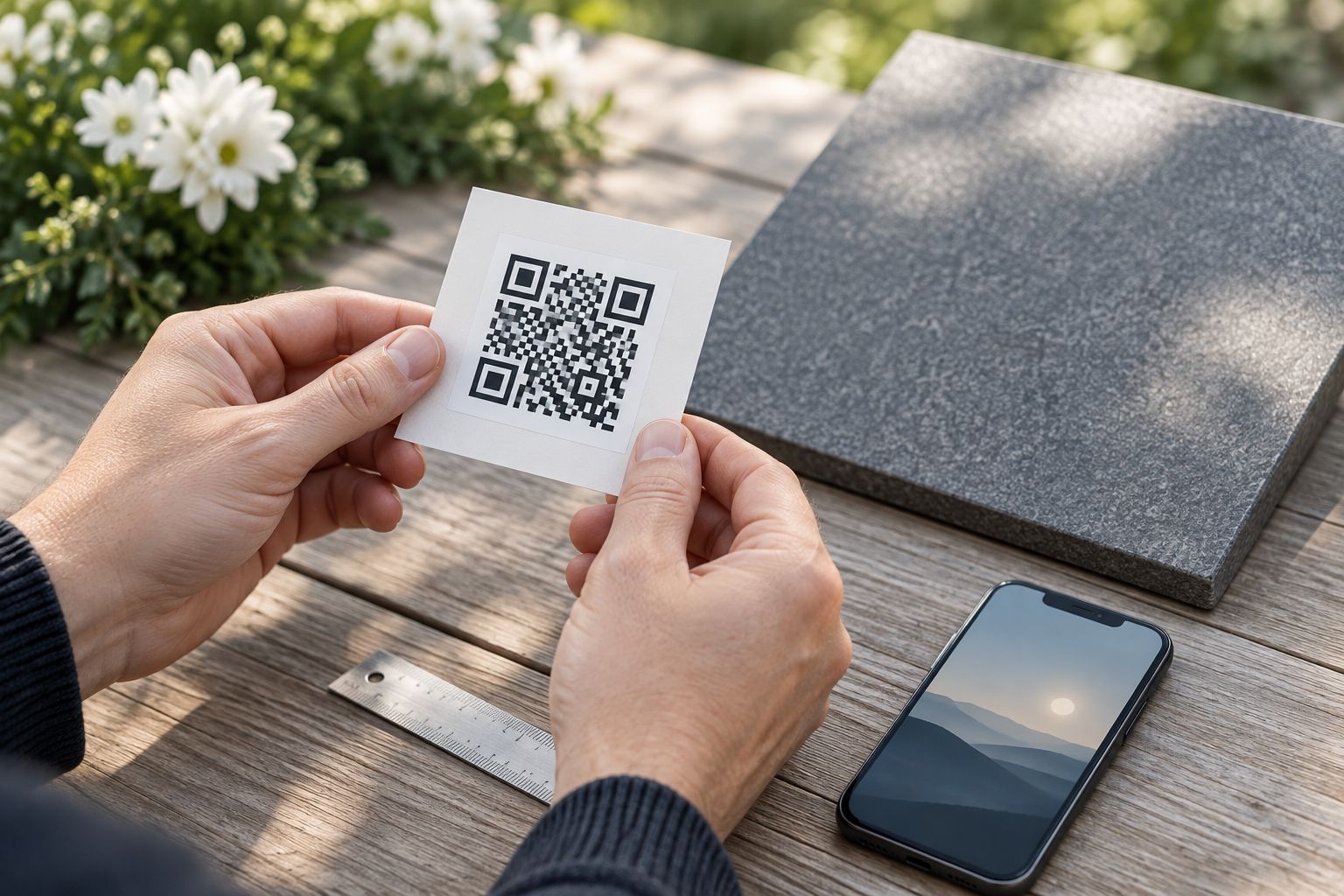
Expected result: The installed decal opens the correct tribute from its real viewing position. Save the successful test date with the artwork so the family knows which version was approved.
For an installation completed in 2026, photograph the placement for your own records. The photograph documents location; it does not replace scanning the physical decal.
You can add memories without changing the QR code when the tribute keeps the same published address. The code opens the page at that address; it does not contain a frozen copy of the photographs or words.
For a direct-link setup, edit the existing tribute rather than deleting it and publishing a replacement with a new address. After each update, scan the installed decal while signed out and check that the new content appears.
For a controlled-redirect setup, use this adjacent workflow when the tribute moves:
Expected result: The original printed code reaches the current tribute without new decal artwork, provided the intermediate address remains working.
Set a family maintenance check for the tribute created in 2026. Assign 1 backup maintainer with an authorized way to help manage the page; do not leave its future dependent on a single person's memory.
Check the published page while signed out. If visitors should have open access, correct the page permissions or encode its public address instead of an editor link. If privacy is intentional, explain the access requirement before visitors scan.
Test the original digital image first. If that works but the proof does not, check whether printing reduced detail, cropped the border, or weakened contrast. Increase the finished size and repeat the actual-size test rather than repeatedly enlarging a blurred screenshot.
Check for reflections, shadows, and distortion at the installation point. Change your viewing angle during the test, then choose a flatter or less reflective placement if the result remains unreliable. Test the proposed location before applying replacement artwork.
Decode or scan the approved source image and compare its destination with the published address. Correct the generator input and regenerate the artwork if a direct code is wrong. For a controlled redirect, correct the destination in the account you manage and retest.
Open the encoded address directly in a browser. Check whether the page was deleted, access settings changed, or the redirect stopped working. Restore the same address where possible; a direct code pointing to an unrecoverable address needs replacement artwork.
Keep the first version manageable. One clear tribute page is easier to maintain than a chain of albums, document links, and temporary sharing pages, and visitors should not have to guess which link holds the memories.
You can add a written remembrance, organize photographs into meaningful groups, or include a recording that the family has permission to share. Test each addition on a phone. A page that opens correctly can still contain a photograph or recording with separate access restrictions.
Nostalgifactory's personalized memorial decals provide a physical way to honor someone; the online page needs its own access and maintenance plan. If you are arranging a shared display, the related memorial-service guide below provides another planning starting point without replacing the venue's permission requirements.
How do I connect a memorial QR code decal to a tribute page?
Encode the published tribute page address in a QR image, then reproduce that image as a decal. Test visitor access, an actual-size proof, and the installed decal before sharing it.
Can I change the tribute page after the decal is made?
You can edit the tribute without changing the decal if its published address stays the same. Moving to a different address requires a managed redirect or replacement QR artwork.
Does Nostalgifactory include QR codes on its memorial decals?
Confirm QR artwork and production requirements with Nostalgifactory before ordering. Its personalized memorial decals should not be assumed to include QR functionality simply because they are memorial designs.
Should I use a direct QR link or a controlled redirect?
Use a direct link for a tribute whose address will stay the same; use a controlled redirect when you need to change destinations later. The redirect adds another account and address to maintain.
Can I keep a QR-linked memorial page private?
Yes, a QR code can point to a restricted tribute page. Scanning does not bypass login or permission requirements, so test the access process with an intended visitor.
What size should a memorial QR decal be?
Choose the size by testing an actual-size proof at the intended viewing distance. Ask the decal maker about reproduction requirements, and check contrast, margins, lighting, and surface distortion.
Do visitors need a special app to scan the memorial decal?
Many phones recognize QR codes through their camera app. Test with the phones your visitors use, and remember that opening an online tribute requires an internet connection.
What should I check on a memorial QR tribute created in 2026?
Check that the printed code still opens the intended page, visitor permissions remain correct, and someone retains account access. Repeat the scan test after edits or a destination change.
A QR code does not preserve the tribute—it only points to it. Keep copies of the photographs, recordings, and written memories somewhere your family controls, separate from the published page.
For your 2026 tribute record, save the encoded address beside those copies and the approved artwork. That small handover gives the next family member a clear starting point if the page ever needs repair.